
Every round.
Recorded.
Film your training with your phone and Apple Watch — or connect your gym's cameras and never touch a tripod again. Review every round, tag every technique, and actually remember what you did.
Is your gym connected? →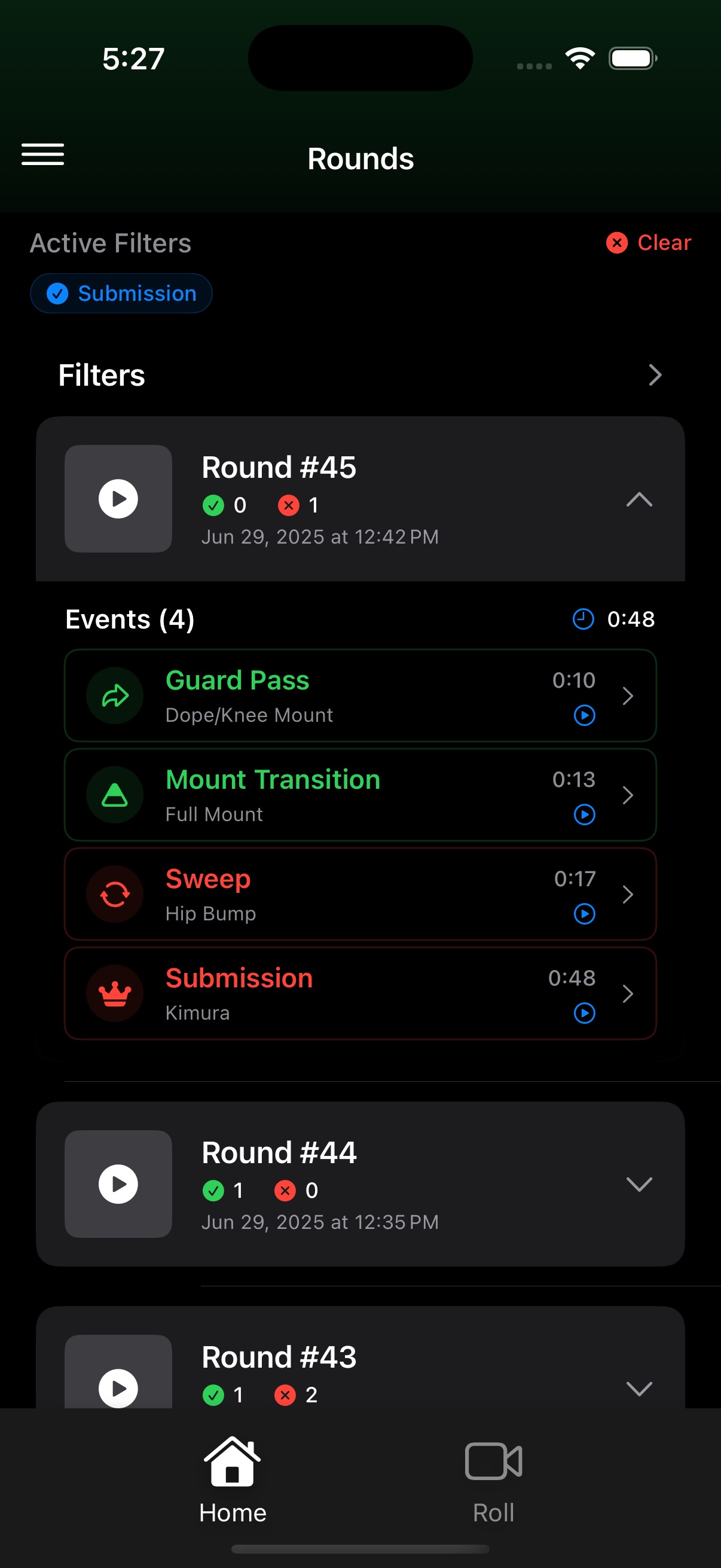
Nothing to remember
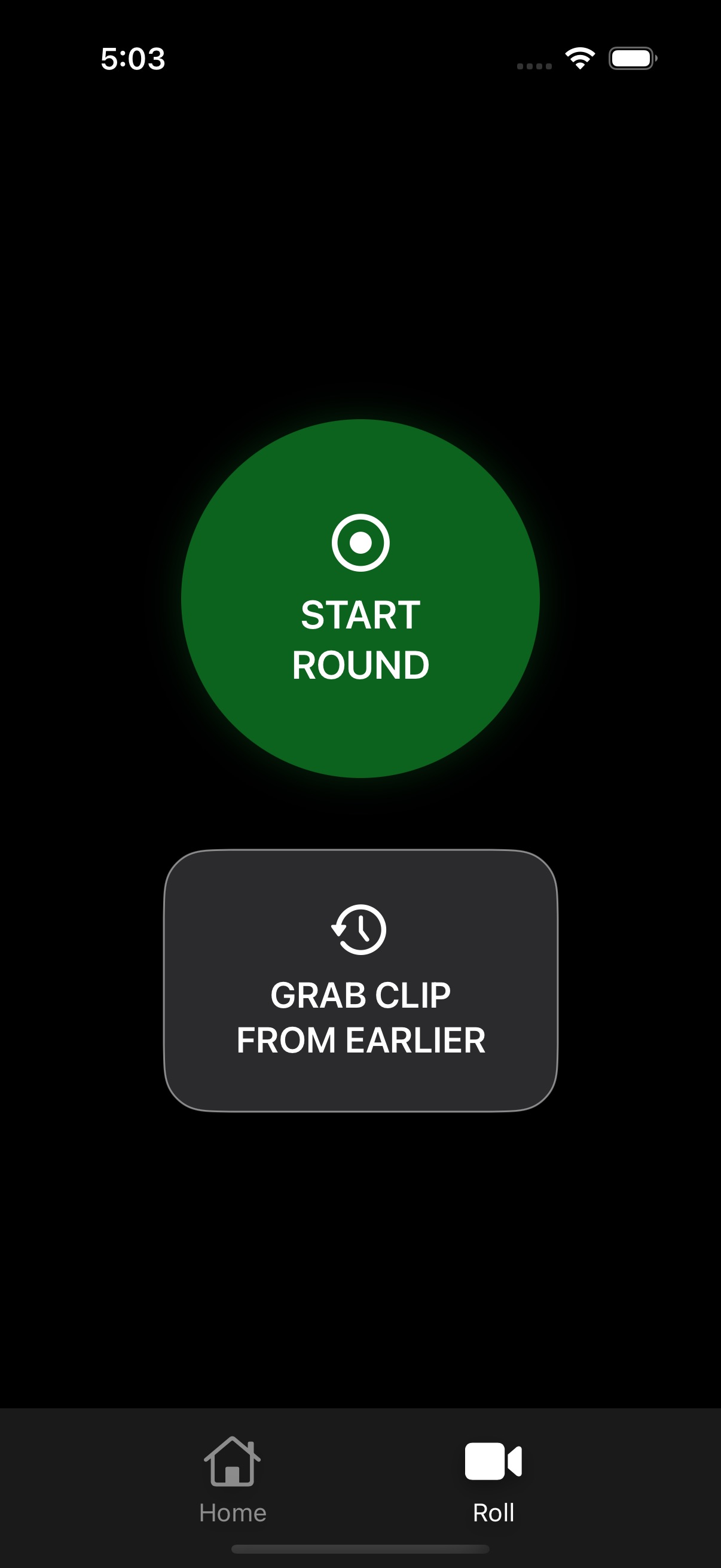
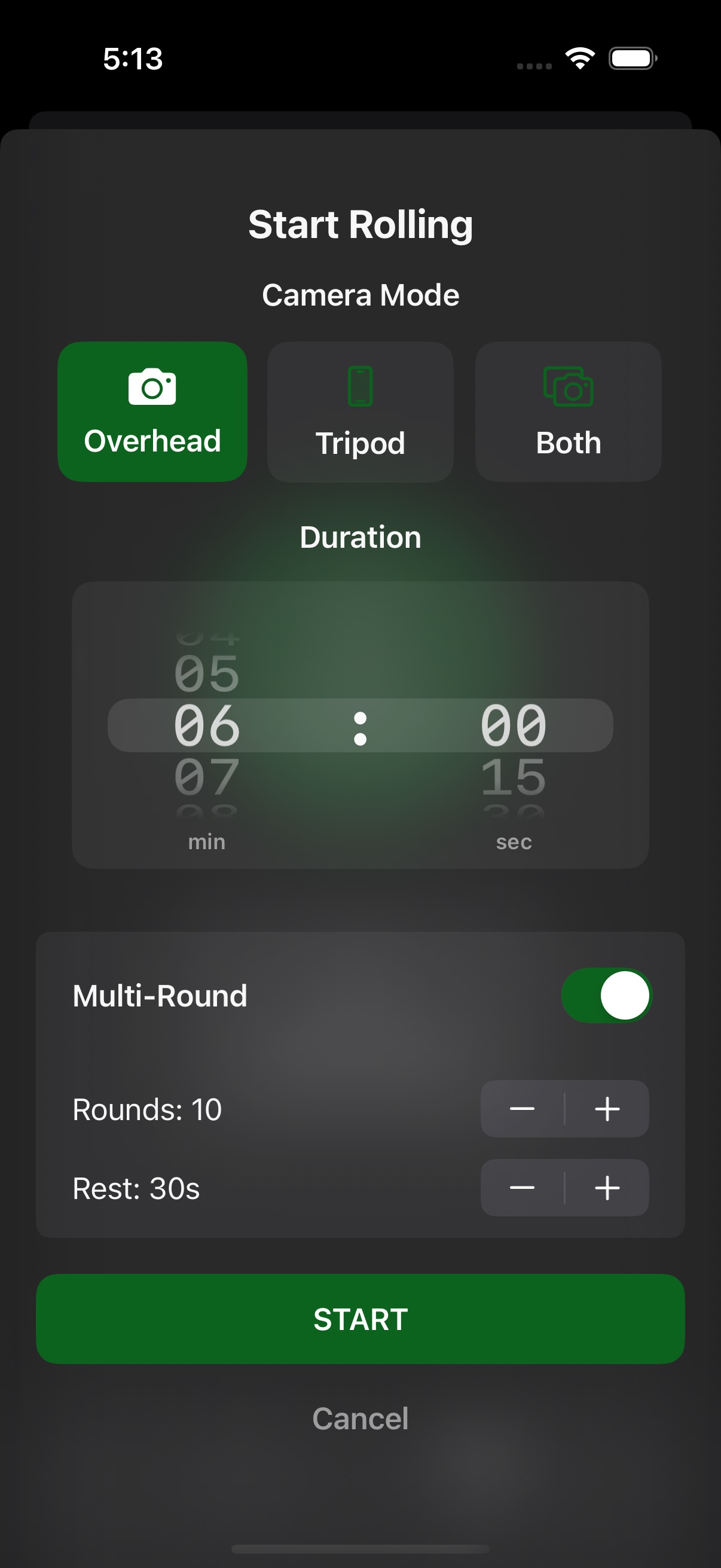
Start a round, keep training. The filming and clipping happens without you.
The best angles available
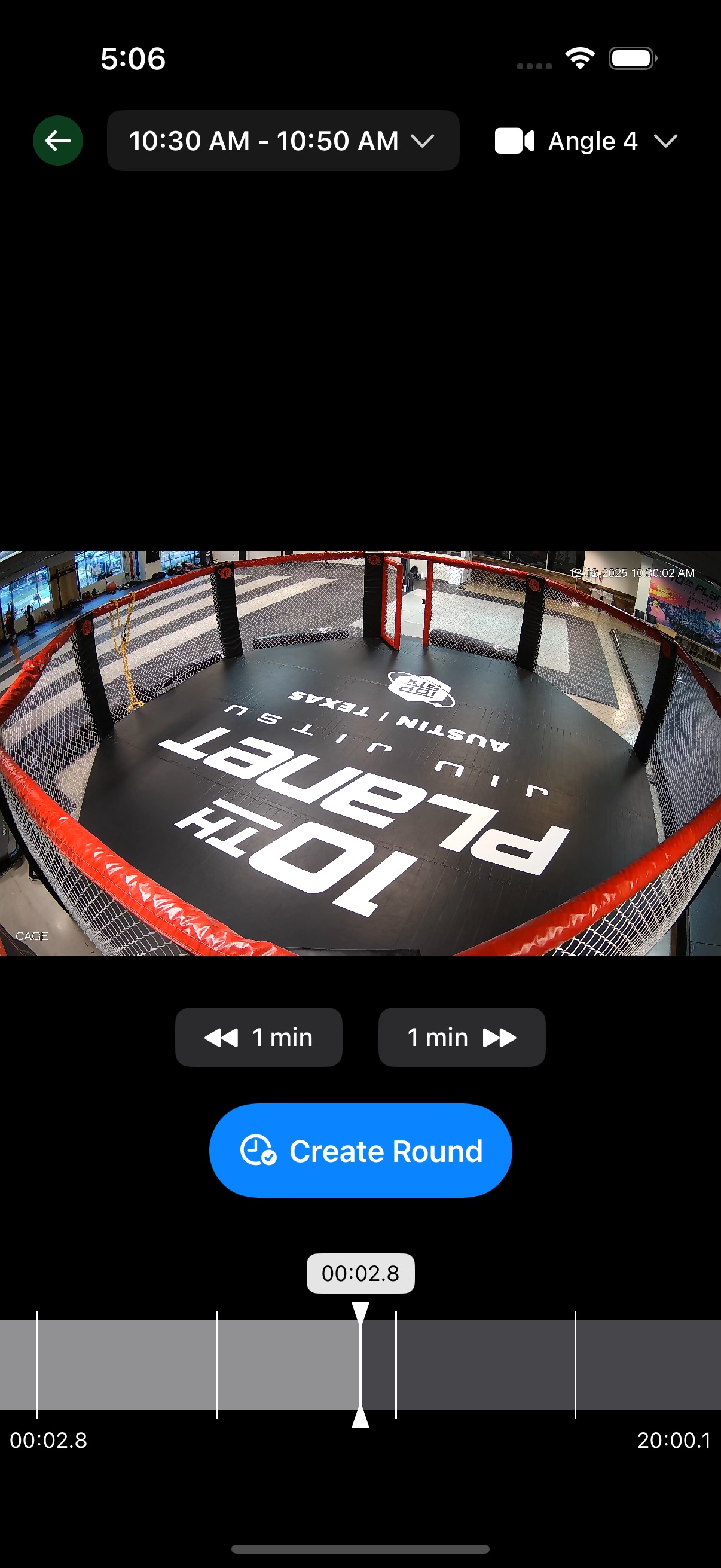
Overhead and cage-side cameras at connected gyms. No tripods, no hassle.
Findable months later
Tagged by technique, so your history is searchable instead of buried.
Every round you trained.
In one place.
The round where it finally clicked. The one where you got smashed and never worked out why. They're gone by the time you're in the parking lot. FightLink keeps all of them.
Three ways to capture
However you train, it gets filmed
Tripod mode
Prop your phone up and hit record. Round start and stop, technique tagging, and your full history — no gym integration, nothing to set up. Works the first day you download it.
Apple Watch
Start and stop rounds from your wrist without leaving the mat, and mark the moment something happened while it's still fresh. No walking back to your phone between rounds.
Connected gym
If your gym is on FightLink, the cameras are already rolling. Grab the round you just finished — multiple angles, no tripod, no asking someone to film you.
Connected gyms
Angles a tripod can't give you
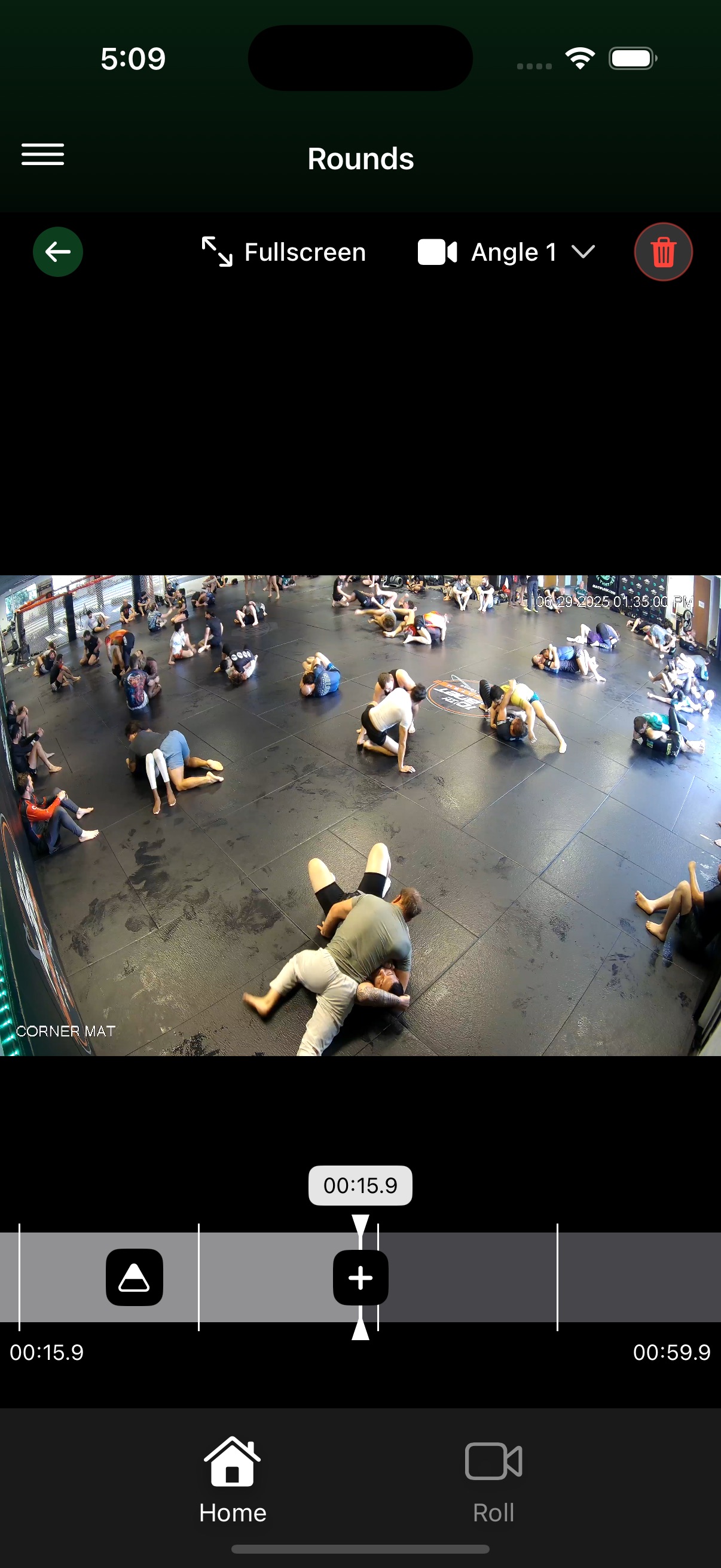
Overhead and cage-side cameras capture the whole mat at once. Finish a round, open your phone, and pull it — already clipped, from every angle your gym has running.
Overhead capture — 10th Planet Portland
Who it's for
Built for the whole gym
The same footage does different work depending on who's watching it.
Athletes
Rewatch the round you can't stop thinking about, tag what happened, and see your game change over months instead of guessing whether it has.
See how it worksCoaches
See what your students actually do when you're not standing over them, and give notes on the exact second it went wrong instead of a description from memory.
For coachesGym Owners
Turn the cameras you already own into something your members actually want. Free if you've got a system, no work for your staff once it's running.
For gym ownersFor coaches
Coach the round, not the retelling
A student describing what happened three days later is describing what they think happened. The footage isn't.
Students send you rounds straight from the app. You watch the moment they flagged, leave notes on it, and send it back. If you coach at the same gym as your students, that's free.
In the app
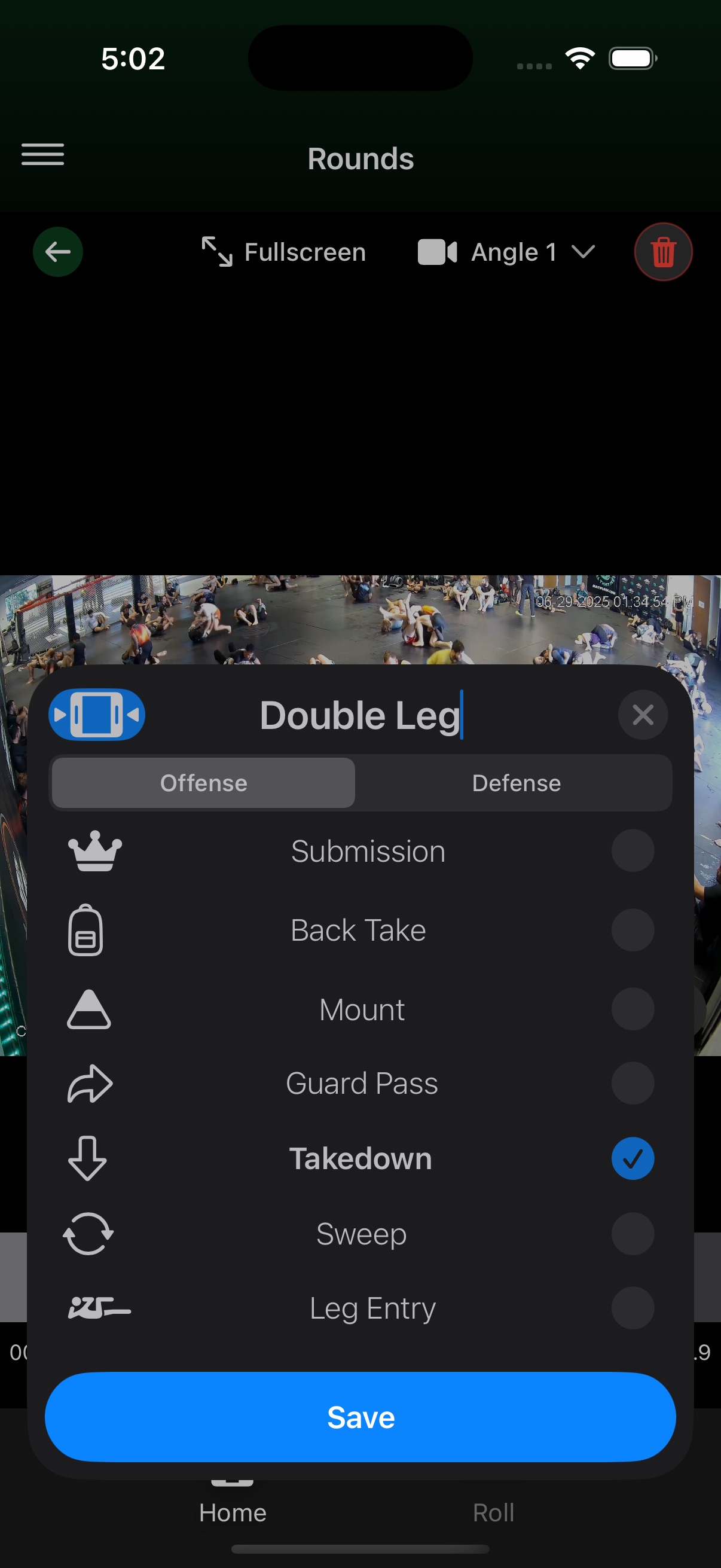
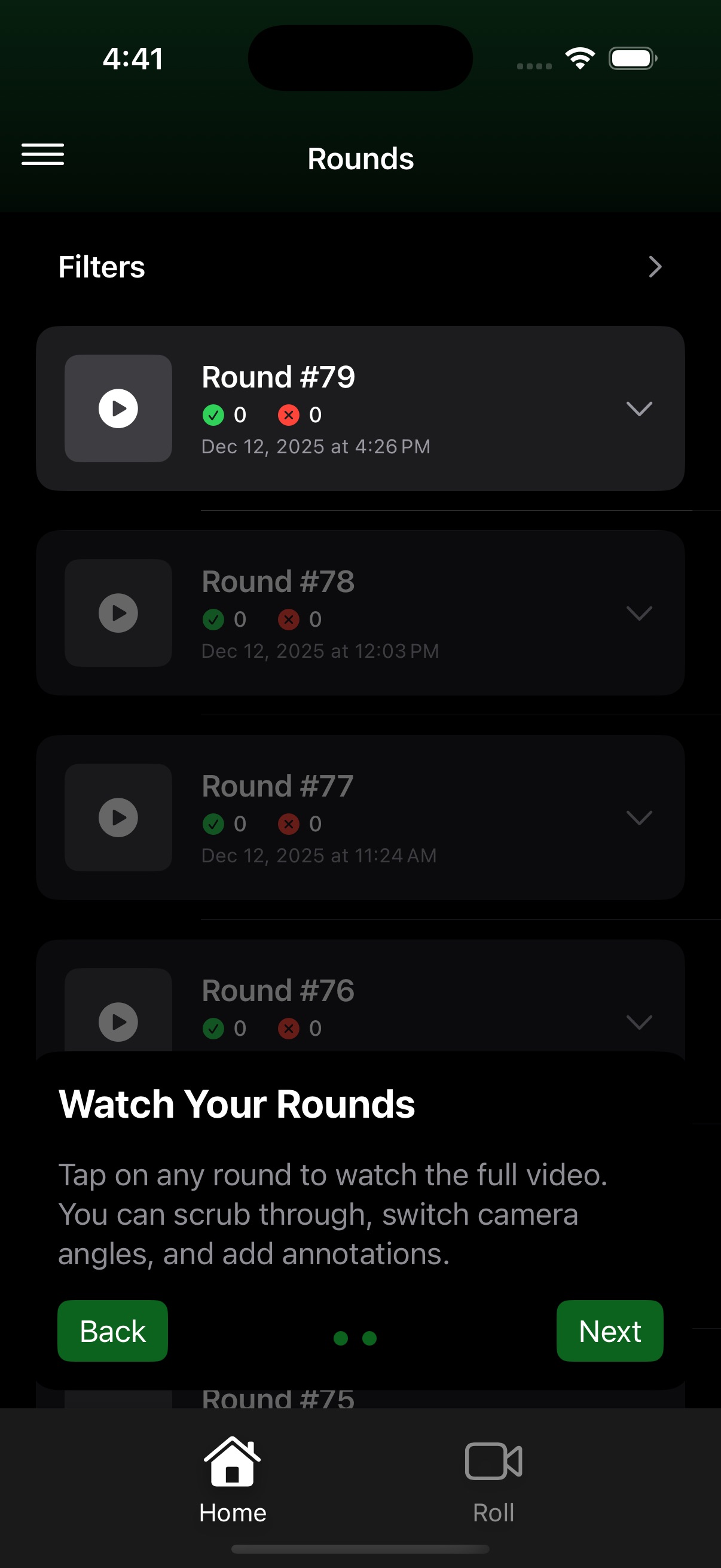
Every round, tagged and searchable
Mark what happened while it's fresh, then find it again months later. Your whole training history in one library instead of a camera roll you never scroll back through.
Not connected yet?
Connect your gym
Tell us where you train. When enough people at a gym ask for it, that's who we reach out to next — and it costs the gym nothing if they already have cameras.
In the meantime, tripod mode and Apple Watch work today.
Questions?
Straight answers
What if my gym doesn't have FightLink?
You can still use it today. Tripod mode records from your phone, the Apple Watch app starts and stops rounds from your wrist, and you get the full library, tagging, and stats. Connecting your gym's cameras adds the angles you can't film yourself — so it gets better if your gym joins, but it works before that.
Is this only for BJJ?
No. FightLink records rounds for any combat sport — BJJ, no-gi, wrestling, judo, Muay Thai, boxing, and MMA. The capture side works the same regardless of what you train. Technique tagging is deepest in grappling right now, and striking vocabulary is being added.
Do I need a tripod?
Not if your gym is connected — that's the whole point of it. For tripod mode, anything that props your phone up works. A wall, a bag, a water bottle. A real tripod just gives you a better angle.
Who can see my tripod footage?
Only you. Footage you record yourself stays on your own device, and your notes and technique tags on a round are yours alone. Nothing you film is visible to your gym, your coach, or anyone else unless you deliberately send it to them or tag a training partner in it.
How about footage from my gym's cameras?
Gym camera footage is only available to members the gym has approved, and only during the times the gym has approved for recording. Your gym decides which cameras are connected and when they're live — outside those windows nothing is captured at all. Within them, you're pulling your own rounds, not browsing the room.
What about women's and kids' classes?
Women's-only classes can be restricted so footage from those cameras and time slots is visible to female members only. Kids' classes are not recorded at all — that's a policy default, not a setting a gym has to remember to switch on. We're building a separate, parent-controlled way for parents to follow their own kids' training, and it won't ship until it's right.
What does it cost?
Tripod mode with local storage is free for everyone, forever — record as much as you want, keep it on your device. We have paid offerings for the things that go beyond that: sharing and interacting with your training community, and storing your rounds in our cloud so a lost or replaced phone doesn't take your training history with it.
Is it on Android?
Yes. FightLink is on both the App Store and Google Play. The Apple Watch app is iOS-only.
Stop forgetting your best rounds
Free to record and keep on your device. Works at any gym, with or without cameras.
Or email info@grapplink.io